
Quick answer
Finish the whole interaction before changing the address
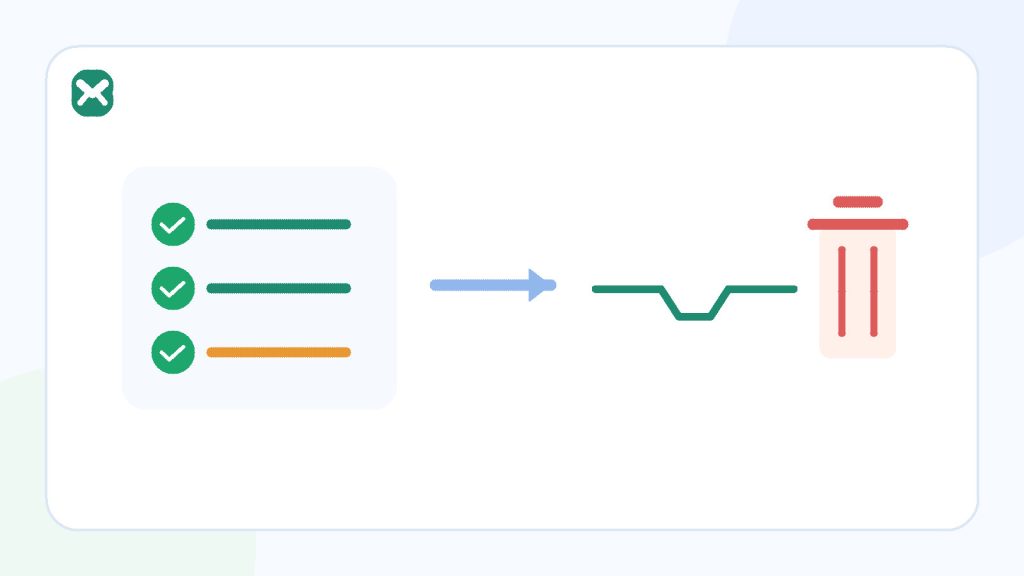
Open the expected message, complete its permitted low-risk action, confirm the destination accepted it, and decide whether any non-sensitive reference must be saved elsewhere. Do not leave an account, receipt, recovery path, or continuing conversation attached to an inbox you may lose.
- No recovery guarantee
- Changing can end access
- Temporary inbox is not storage
Safe to leave when
The task is fully complete
- The expected message was received.
- The action succeeded.
- No future contact or recovery is needed.
Stop before leaving when
The address still controls value
- An account exists.
- A receipt, licence, or support thread matters.
- Another code or confirmation is still expected.
Process
Close a temporary-email task in five stages
The final click is only one part of the workflow. Confirm the result outside the inbox before access changes.
Open the expected message
Verify the sender and destination before using a code or link. Ignore unrelated or suspicious messages.
Complete the destination action
Return to the official site and confirm signup, download, or authorised test behavior through its own interface.
Verify the final state
Look for a success screen, downloaded file, verified status, or recorded test outcome. Do not assume that opening the email completed the task.
Save only what is appropriate
Store a replaceable low-risk file or redacted test evidence in the correct system. Do not treat the inbox as a record repository.
Leave only when nothing points back
No future reply, resend, support, recovery, receipt, licence, or security notice should depend on the temporary address.
Decision guide
What may still depend on the inbox
| Open dependency | Why it matters | Action before leaving |
|---|---|---|
| Verification not completed | The destination may still consider the address unverified. | Finish or abandon the entire low-risk flow. |
| Download not stored | The link may not be available later. | Save the permitted replaceable file safely. |
| Authorised test not recorded | The result cannot be reproduced or triaged. | Capture redacted state and timestamps. |
| Account was created | Future login or recovery may use the same address. | Change to a durable address if the service supports it, or delete the disposable account. |
| Receipt, licence, or support expected | The relationship did not really end. | Move to an address you control long term. |
Practical details
Exit decisions for common one-time tasks
Verification and one-time codes
The code matters only until the intended action succeeds. Confirm the destination state, not merely that the code was visible. If the action fails, stay in one current verification flow rather than changing addresses mid-process.
Download links
Save the file only when it is permitted, replaceable, non-sensitive, and does not carry a licence or future update relationship. Scan and evaluate the file through the normal security controls for your device or organisation.
Manual QA evidence
Record environment, timestamps, expected and actual state, and redacted screenshots. Remove addresses, live tokens, full URLs, private bodies, and cookies. Then retire the disposable identity according to the test plan.
A temporary inbox should not become a hidden dependency in a fixture that later tests need to reproduce.
Checklist
Final exit checklist
- The expected message was opened and verified as legitimate.
- The destination action completed successfully.
- No resend, reply, support, receipt, or update is expected.
- No account recovery or security factor uses the address.
- Any permitted file or redacted evidence is stored in the right place.
- Nothing sensitive remains dependent on temporary access.
If any item is unresolved, keep the current inbox open or move the relationship to a durable address before changing it.
Related reading
Continue with the right next step
Review when temporary email is the wrong tool before creating an account, and use the disposable email exit guide for a broader comparison. If a final message is delayed, follow the verification troubleshooting order.
Sources
Authoritative references
These references support the technical and privacy details above. Product-specific limits are described separately in our own guides.
FAQ
Frequently asked questions
Can I recover the same Temp Mail 24 address later?
Recovery is not guaranteed. Complete the task before changing or deleting the current address.
Should I save the entire message before leaving?
Only save information that is appropriate and non-sensitive in the correct system. A temporary inbox should not become record storage.
What if I accidentally created an account?
Use the service’s official settings to change to a durable address or delete the account if appropriate. Do not rely on the temporary inbox for recovery.
Is opening the verification email enough?
No. Confirm the intended action succeeded on the official destination site before leaving the inbox.