
Quick answer
A temporary failure asks the sender to try again; a permanent failure stops the attempt
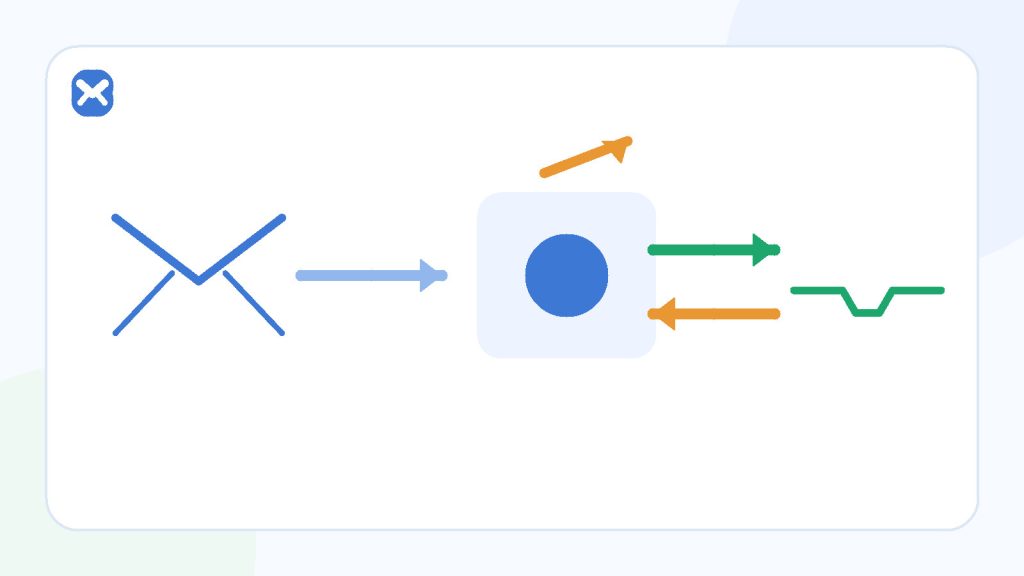
Mail systems classify outcomes. A 4.x enhanced status normally describes a temporary condition that a capable sender can retry. A 5.x status describes a permanent failure for that delivery attempt. Users often see only a delay or a bounce, not the queue decisions in between.
- 4.x = temporary condition
- 5.x = permanent failure
- Email remains best effort
Temporary path
Queue and retry
- Greylisting or busy server.
- Mailbox or resource temporarily unavailable.
- Network or routing interruption.
Permanent path
Stop and report
- Bad or non-existent address.
- Policy rejection.
- Content or permission failure that will not change by retrying.
Process
Follow one message through delivery
The sending application and receiving mail systems make separate decisions before an inbox can display the message.
The application creates the message
A successful form response means the application accepted the request; it does not prove final mailbox delivery.
The sender submits to a mail system
The sending service validates its own configuration and queues the message for the recipient domain.
The receiving system returns a status
Success accepts the message, a temporary status invites a retry, and a permanent status rejects the delivery attempt.
The sender applies its retry schedule
A capable sender retries temporary failures with its own timing and limits. Users cannot force that schedule from the receiving inbox.
The message is filtered and displayed
After acceptance, provider filtering, quarantine, and client presentation can still affect where and when the user sees it.
Decision guide
Read the first digit as the broad outcome
| Status class | Broad meaning | Typical sender action | User-visible result |
|---|---|---|---|
| 2.x | Success | Continue; the receiving system accepted the stage. | Message may still be filtered before display. |
| 4.x | Persistent temporary failure | Queue and retry according to policy. | Delay; later delivery or eventual bounce. |
| 5.x | Permanent failure | Stop retrying that delivery attempt. | Bounce or application-level failure. |
| No useful status shown to user | The application hides mail-system detail. | Depends on sender logs and monitoring. | A generic success or timeout can be misleading. |
Practical details
Why verification mail is especially sensitive to delay
Greylisting intentionally creates a retry
Greylisting can temporarily reject an unfamiliar combination of sender and recipient so a legitimate mail server proves it can queue and retry. RFC 6647 notes both the anti-spam benefit and the cost: legitimate messages can be delayed, sometimes significantly.
Retry schedules are not synchronised with token expiry
A sender may retry later than a short verification link remains valid. The mail can therefore be delivered correctly by email standards but still be useless to the application user.
Applications should choose token lifetimes and resend behavior with real delivery variability in mind. Users should request one fresh token only after confirming the address and waiting.
Messages can arrive out of request order
Two verification messages can take different routes or retry at different times. The newer request may arrive first, while an older token appears later. Use the newest message associated with the current application state.
Checklist
What users can check—and what needs sender logs
- User: exact recipient address.
- User: whether the form accepted the request.
- User: spam, quarantine, and alternate inbox folders.
- User: newest code or link for the current session.
- Sender operator: queue, response codes, retries, bounce, and delivery logs.
- Receiving operator: policy, filtering, quarantine, and acceptance state.
Do not claim a specific failure class without authoritative logs from the systems that handled the message.
Related reading
Continue with the right next step
Apply this model to a missing verification email and a controlled resend. The 10 minute mail guide explains why the product does not promise a ten-minute address or delivery window.
Sources
Authoritative references
These references support the technical and privacy details above. Product-specific limits are described separately in our own guides.
FAQ
Frequently asked questions
Does a 4.x status guarantee later delivery?
No. It indicates a temporary condition and normally invites retry, but retries can still end in a later permanent failure.
Does a 5.x status mean the inbox is broken?
Not necessarily. It can describe an invalid address, policy rejection, permission issue, or other permanent condition for that delivery.
Can messages arrive out of order?
Yes. Separate queue and retry timing can make an older request arrive after a newer one.
Can Temp Mail 24 show the SMTP error?
Not generally. The receiving interface cannot inspect the sending application’s private queue and logs.