
Quick answer
“Invalid email” can mean syntax, existence, or policy
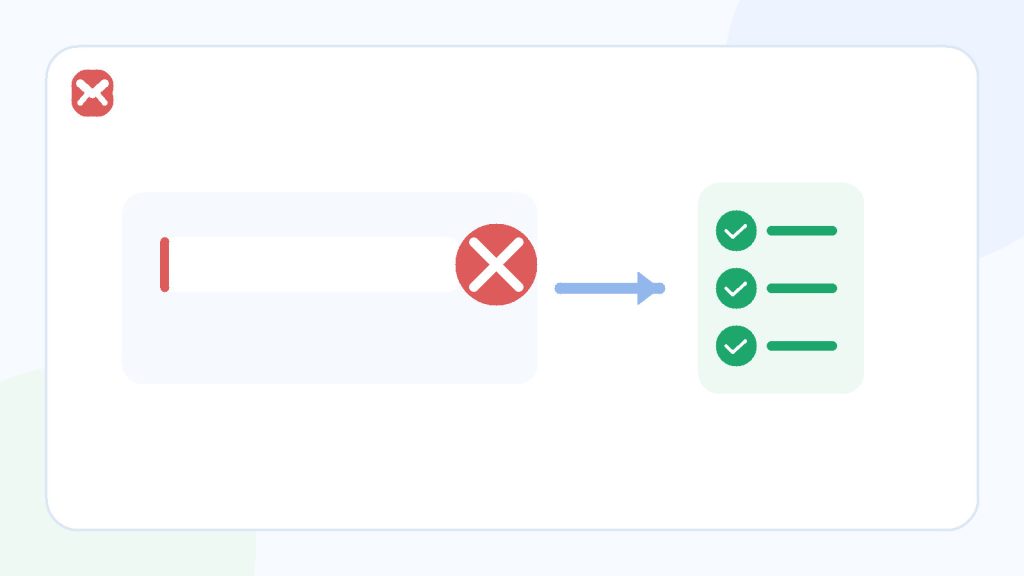
A browser may reject the address format, the site may require a particular domain, the confirmation field may not match, or the service may block temporary addresses. Correct the input first; if the message is a policy decision, use an allowed durable address instead of trying to disguise the domain.
- Format is not existence
- Sites can add business rules
- Do not bypass domain policy
Correctable input
A typing or formatting problem
- Missing @ or domain.
- Leading or trailing whitespace.
- Two confirmation fields differ.
Not a formatting problem
A site policy restriction
- Work or school domain required.
- Temporary domain blocked.
- Existing account or risk rule applies.
Process
Find which layer rejected the address
Do not change multiple things at once. The visible message and timing usually reveal the layer.
Read the exact message
“Enter an email address,” “addresses do not match,” and “domain not allowed” describe different failures.
Re-enter the address carefully
Remove spaces, confirm one @ symbol, include the full domain, and compare any repeated confirmation field.
Check documented requirements
Some forms accept only organisational domains, invited users, or addresses that can be kept for account recovery.
Separate format from deliverability
A correctly shaped address can still have no working mailbox. Browser validation cannot prove ownership or delivery.
Respect the site’s policy
If disposable addresses are explicitly rejected, use a permitted permanent address or decide not to create the account.
Decision guide
What “invalid” may actually mean
| Layer | Example signal | Response |
|---|---|---|
| Browser format check | The form stops before submission. | Correct syntax, spaces, and missing parts. |
| Confirmation mismatch | Two address fields differ. | Re-enter both from the same source. |
| Server validation | The form submits, then returns an error. | Follow the specific error and correct the input. |
| Domain or account policy | “Work email required” or “temporary email not allowed.” | Use an allowed address; do not evade the rule. |
| Ownership verification | The form accepts, but a message must be confirmed. | Open the intended inbox and complete the official flow. |
Practical details
Why legitimate addresses still get rejected
Site patterns can be narrower than email standards
A custom regular expression may reject uncommon but valid characters, long domains, internationalised addresses, or plus tags. The user cannot safely fix an overly narrow validator except by using an address the service supports or contacting its owner.
Plus addressing may expose the base address
Subaddressing adds a detail part such as
[email protected]
. The provider and site must support it, and a recipient can often infer the base address by removing the tag.
Use it for filtering where supported, not as a guarantee that the underlying address stays hidden.
Disposable-domain blocks are business policy
A service may reject temporary addresses because it needs future contact, recovery, abuse controls, or a durable customer relationship. Strict blocks can also affect legitimate privacy use, but bypassing them is not an appropriate response.
If the account matters later, the policy is also a signal that a permanent address is the safer choice.
Checklist
Before changing address types
- The address contains no pasted space or missing character.
- The confirmation field matches exactly.
- The full domain is present.
- The site’s documented domain requirement is understood.
- The address will remain accessible for the life of the account.
- You are not trying to bypass a restriction or create duplicate accounts.
If a low-risk form permits temporary email, use the address as shown and finish the expected message before changing it.
Related reading
Continue with the right next step
Compare address types in temporary email, alias, or separate inbox. For plus tags specifically, read alias versus plus addressing. The temporary email guide explains when a short-lived address is appropriate.
Sources
Authoritative references
These references support the technical and privacy details above. Product-specific limits are described separately in our own guides.
FAQ
Frequently asked questions
Why does my browser reject the address before submission?
The value may fail the browser’s email-format check or an additional pattern set by the site.
Can a properly formatted address still be rejected?
Yes. The server may apply domain, account, invitation, or disposable-address policies.
Should I remove the plus tag if a form rejects it?
Only if you are comfortable using the base address and the site allows it. A plus tag is not a separate private mailbox.
Can Temp Mail 24 make a blocked domain accepted?
No. The destination controls its policy, and users should not try to evade it.