
Quick answer
Separate senders by how long you want the relationship
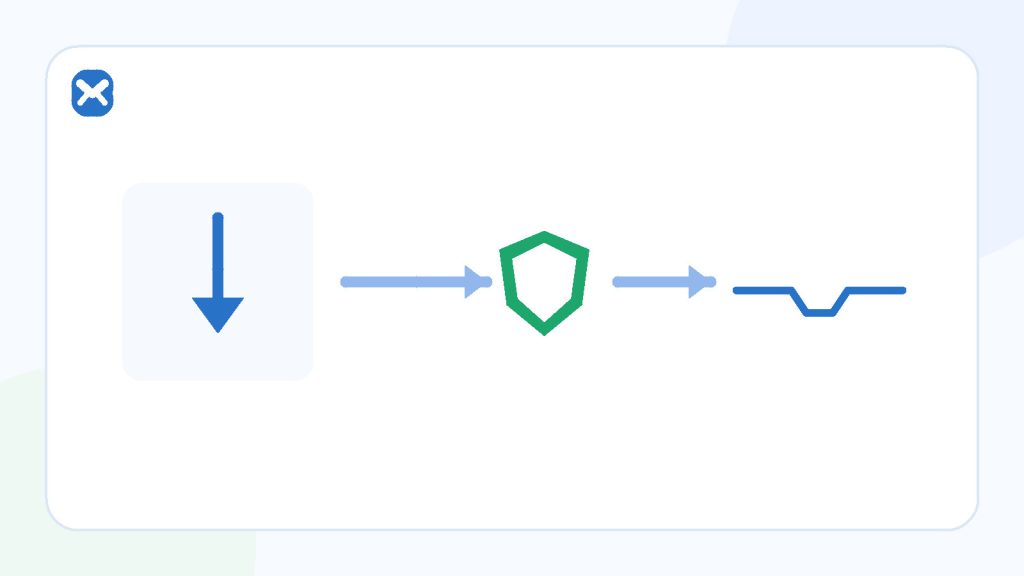
Use temporary email for a permitted preview or replaceable one-time download that needs no future access. Use a durable alias for newsletters you may keep. Use a separate or primary inbox when messages become records, purchases, licences, or account recovery.
- Preview = temporary may fit
- Keep = durable alias
- Record = durable mailbox
Temporary inbox
The interaction ends now
- One non-sensitive download link.
- A newsletter preview you will not keep.
- No account, licence, or recovery.
Durable route
The sender may matter later
- Ongoing issues or updates.
- Unsubscribe and preference history.
- Receipts, licences, or support.
Process
Build a low-maintenance address system
Start with consequences, then add the simplest separation layer that preserves future access.
Reserve an important mailbox
Keep banking, work, health, identity, travel, purchases, and recovery away from experiments and disposable signups.
Create a route for ongoing subscriptions
Use a durable alias or secondary inbox that can receive updates, preference changes, and unsubscribe confirmations.
Use temporary email for genuine previews
Choose it only when the sender permits it, the message is low risk, and the relationship ends after one expected link or issue.
Filter by sender and purpose
Use provider filters and labels so newsletters do not hide security notices or personal correspondence.
Review and retire routes deliberately
Unsubscribe from legitimate mail you no longer want, disable compromised aliases, and keep records where future proof matters.
Decision guide
Choose the address by the outcome
| Use case | Best starting tool | Why |
|---|---|---|
| Preview one newsletter | Temporary inbox when permitted. | No continuing route is needed. |
| Follow a newsletter for months | Durable per-sender alias. | You can keep or disable the route deliberately. |
| Free replaceable download | Temporary inbox may fit. | Only when no licence, update, or support is attached. |
| Software licence or paid asset | Durable mailbox or alias. | Receipts, licence keys, updates, and support may matter. |
| Purchase, membership, or account | Durable protected mailbox. | Recovery and records continue. |
| Unknown high-risk site | Do not rely on address separation. | Evaluate the site and file independently. |
Practical details
Privacy without losing control
A temporary preview limits one address exposure
The sender receives a separate address rather than the important mailbox you did not share. This can reduce future clutter from that interaction, but the site can still collect browser, network, and form data.
An alias is better for a sender you may keep
A per-sender alias preserves a continuing delivery route and can often be disabled later. It also gives you a clearer signal about which relationship received the address.
Keep recovery information for important aliases and verify how replies work before using one for support or conversations.
Filters organise mail after it arrives
Provider filters can label, archive, or route newsletters. They do not stop the sender from knowing the address, but they can protect attention and make unexpected messages easier to notice.
Review filters periodically so security or billing mail is not silently hidden.
Checklist
Before subscribing or downloading
- The source and destination domain are trustworthy enough for the task.
- The file is replaceable and not tied to a paid record.
- No future update, licence, support, or recovery is needed.
- The sender permits the chosen address type.
- You are not submitting sensitive personal data.
- You know where an unsubscribe or continuing message should arrive.
A separate address does not scan a download or make an untrusted website safe.
Related reading
Continue with the right next step
Compare routing tools in email alias versus plus addressing. For a one-time file specifically, use the delivery and retry guide when its link is delayed, and review what temporary email can and cannot do about spam.
Sources
Authoritative references
These references support the technical and privacy details above. Product-specific limits are described separately in our own guides.
FAQ
Frequently asked questions
Should I use temporary email for every newsletter?
No. Use a durable alias or secondary inbox for newsletters you want to keep, manage, or unsubscribe from later.
Is a free download always disposable?
No. Licences, updates, accounts, receipts, and support can make future access important.
Does an alias block tracking pixels?
No. Address routing and remote-image tracking are different mechanisms.
Can a temporary address make a risky file safe?
No. Evaluate the site, destination, and file independently.