
Quick answer
Start with the address and the sender—not endless resends
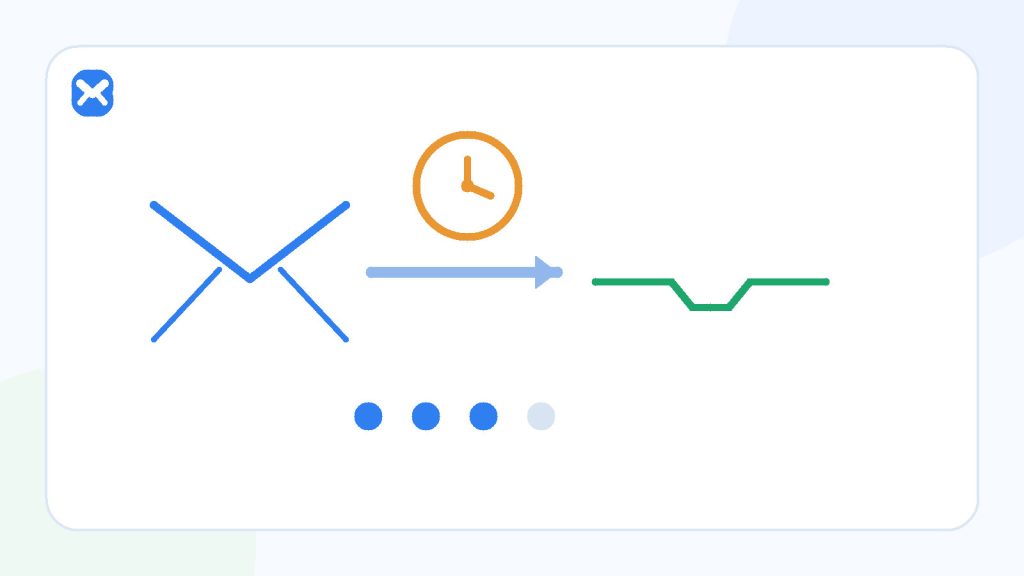
A missing verification message can be caused by a typing error, the sender’s queue, a temporary mail retry, filtering, a domain policy, or an old code that is no longer valid. Check one layer at a time and request a resend only after the destination address is confirmed.
- Delivery is best effort
- Newest code may replace older ones
- Some sites reject disposable domains
Check first
The recipient and the form state
- Compare every character in the address.
- Confirm the form accepted the submission.
- Keep the verification screen open if it stores session state.
Avoid first
Repeatedly pressing resend
- It can trigger rate limits.
- Older codes may become invalid.
- Messages may arrive out of order.
Process
A safe six-step troubleshooting order
The order matters because it separates an address problem from a sender problem and avoids making the code state harder to understand.
Confirm the exact address
Compare the full local part and domain with the inbox. Look for a missing character, pasted space, or an address that was changed after submission.
Confirm the sender accepted the request
Look for an on-screen confirmation. A validation error or disposable-domain policy can stop the message before email delivery begins.
Wait through one normal retry window
Mail systems can return a temporary 4xx response. A correctly configured sender queues the message and tries again rather than treating the first delay as final.
Check filtering and alternate tabs
Permanent inboxes may place verification mail in spam, promotions, quarantine, or a corporate security hold. A receive-only temporary inbox has fewer folders but the sender may still filter the domain.
Request one resend
Use resend once if the application allows it, then treat the newest message as authoritative. Do not alternate rapidly between multiple browser sessions.
Change strategy if policy blocks the address
If the form explicitly rejects temporary domains or the account will matter later, use a durable address you control instead of trying to bypass the policy.
Decision guide
Match the symptom to the likely layer
| What you see | Likely layer | Best next action |
|---|---|---|
| No success message after submit | Form validation or site policy | Correct the form; do not wait for mail that was never queued. |
| Success message, no email yet | Sender queue, greylisting, filtering, or delay | Wait, keep the session open, then resend once. |
| Several codes arrive together | Retries or repeated resend requests | Use the newest code and ignore older messages. |
| “Invalid” immediately | Old code, wrong session, changed account state | Return to the latest verification screen and request a fresh code. |
| Temporary address rejected | Destination policy | Use an allowed permanent address; do not evade the restriction. |
Practical details
What is happening behind the scenes
A temporary SMTP failure is a delay, not a promise
Mail delivery is store-and-forward. A receiving system can temporarily defer a message and invite the sender to try again. Greylisting is one example: it deliberately returns a temporary response to see whether a legitimate mail system retries.
The user normally cannot see that queue. That is why an exact “arrives in X seconds” promise would be misleading. A long delay can also make a short-lived verification token unusable even though the email eventually appears.
Filtering can happen before the inbox
A sending application may block an address domain before it creates a message. A receiving provider or corporate gateway may quarantine the message. A mail client can then classify it again. These are separate decisions, so changing inbox folders cannot fix a form that never queued the message.
Codes have application state
A verification code is not just text in an email. It is normally bound to a user, action, session, or expiry window. A resend may invalidate earlier codes, and changing the email address or restarting signup can create a new verification state.
Use the message that belongs to the current screen. Never paste a verification code into another site, chat, or support message.
Troubleshooting
Check this before you try again
- The destination address exactly matches the open inbox.
- The form showed that the request was accepted.
- You have waited instead of creating many resend requests.
- You are using the newest message for the current browser session.
- The site permits the kind of address you entered.
- The task is low risk and does not require future recovery.
If the flow controls an important account, stop experimenting and use the service’s official recovery or support path.
Related reading
Continue with the right next step
For a deeper explanation of code state, read why verification codes expire or fail. If you are testing a system you own, use the authorised workflow in testing signup and verification flows safely. The Temp Mail guide explains the receive-only product limits.
Sources
Authoritative references
These references support the technical and privacy details above. Product-specific limits are described separately in our own guides.
FAQ
Frequently asked questions
Should I keep pressing resend until a message arrives?
No. Repeated requests can trigger rate limits and create several codes with conflicting validity. Wait, then request one resend.
Does a missing message mean the temporary inbox is broken?
Not necessarily. The form may have rejected the address, the sender may be delayed, or a mail system may be retrying or filtering the message.
Which code should I use if several arrive?
Use the newest code associated with the current verification screen unless the sender explicitly says otherwise.
Can Temp Mail 24 recover an expired code?
No. Token validity belongs to the sending application. Request a new code from that service if its rules allow it.