
Quick answer
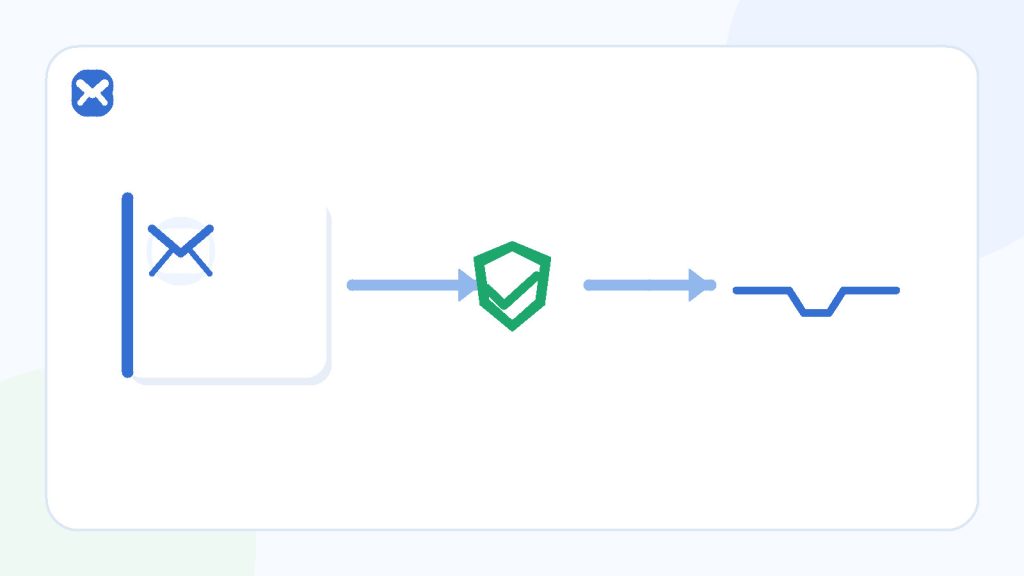
Test one controlled identity through a defined matrix
A useful manual test covers the happy path, delay, resend, duplicate and expired tokens, incorrect input, and account-state changes. Run it only on a system you own or are explicitly authorised to test, and record expected versus actual behavior without storing live tokens.
- Authorised systems only
- One identity per scenario
- Never log full tokens
In scope
A controlled manual check
- Your development or staging environment.
- A production smoke test explicitly approved by the owner.
- One low-volume signup using permitted data.
Out of scope
Abusive or uncontrolled testing
- Bulk account creation.
- Testing someone else’s production system.
- Bypassing domain blocks, quotas, or bans.
Process
Run the happy path before edge cases
A baseline shows whether later failures belong to the email channel or to your edge-case handling.
Define the expected state
Write down the starting account state, address, environment, expected sender, token lifetime, and result after successful verification.
Submit one valid signup
Use a fresh permitted address, confirm the UI response, and record a timestamp without copying the full address into broadly shared logs.
Inspect the received message
Check sender identity, subject, accessible copy, destination URL or code, expiry wording, and whether the message leaks unnecessary information.
Complete verification once
Use the token in the intended browser or device, confirm the account changes state, and verify the token cannot be reused.
Run isolated edge cases
Reset the account or use a new test identity before testing resend, delay, wrong code, expiry, and changed-account scenarios.
Write a reproducible result
Record environment, precondition, steps, expected result, actual result, and safe evidence. Redact addresses and never store valid tokens or full magic-link URLs.
Decision guide
A compact manual verification matrix
| Scenario | Expected behavior | Evidence to keep |
|---|---|---|
| Happy path | One message arrives and one valid token verifies the intended account. | Timestamps, redacted message metadata, final account state. |
| Resend | A clear message appears; old-token behavior matches the documented policy. | Order of requests and which token was accepted. |
| Wrong code | Generic failure without account enumeration or secret leakage. | Error copy and unchanged account state. |
| Expired token | Token is rejected and a safe route to request a new one is offered. | Expiry result; never preserve the token. |
| Duplicate use | A consumed token cannot verify again. | Second-attempt result and server-side state. |
| Changed account state | Verification cannot attach to the wrong or already-modified identity. | Precondition and final identity mapping. |
Practical details
Edge cases that reveal real defects
Delayed mail tests state, not just speed
If the token expires before a delayed message arrives, the UI should explain what happened and offer a safe resend path. The application should not silently activate the account or accept an unrelated old token.
Record the time the application accepted the request and the time the message was visible. Do not claim a product-wide delivery benchmark from one manual run.
Resend must have an explicit invalidation policy
Some systems invalidate all earlier tokens; others allow multiple unexpired tokens. Either design can be testable if it is documented and consistent. The dangerous state is ambiguity that lets a stale link modify the wrong account or leaves a token reusable after success.
Wrong input should not reveal account existence
Error messages, timing, and resend responses should avoid confirming whether a particular address already has an account. Rate limits and monitoring protect both users and the sending system.
For high-risk recovery flows, email alone is a weak factor. Follow the system’s threat model rather than treating inbox access as proof of identity.
Checklist
Evidence that is useful and safe
- Environment and build identifier.
- Redacted recipient and sender domains when necessary.
- Request and arrival timestamps.
- Expected and actual account states.
- Screenshots with codes, tokens, addresses, and personal data removed.
- A defect report that another authorised tester can reproduce.
Never paste a live OTP, full reset URL, session cookie, or private email body into a shared issue.
Related reading
Continue with the right next step
The generated-address guide explains when a real receive-only address is necessary and when example.invalid is safer. Pair this matrix with safe password-reset email testing and the troubleshooting order in missing verification emails.
Sources
Authoritative references
These references support the technical and privacy details above. Product-specific limits are described separately in our own guides.
FAQ
Frequently asked questions
Can I test a public signup form just because it is accessible?
No. Accessibility is not permission. Test only your own system or a target whose owner explicitly authorised the work.
Should I automate this matrix with temporary inboxes?
This article covers a controlled manual check. Automation needs a separate test environment, rate limits, stable fixtures, and explicit authorisation.
Is it safe to attach the verification email to a bug report?
Only after removing the recipient, live code, full token URL, cookies, personal data, and any confidential message content.
What should happen to an old code after resend?
The application needs a documented and consistent policy. Test that the behavior matches it and cannot change the wrong account.