
Quick answer
Resend creates a new request—not a delivery guarantee
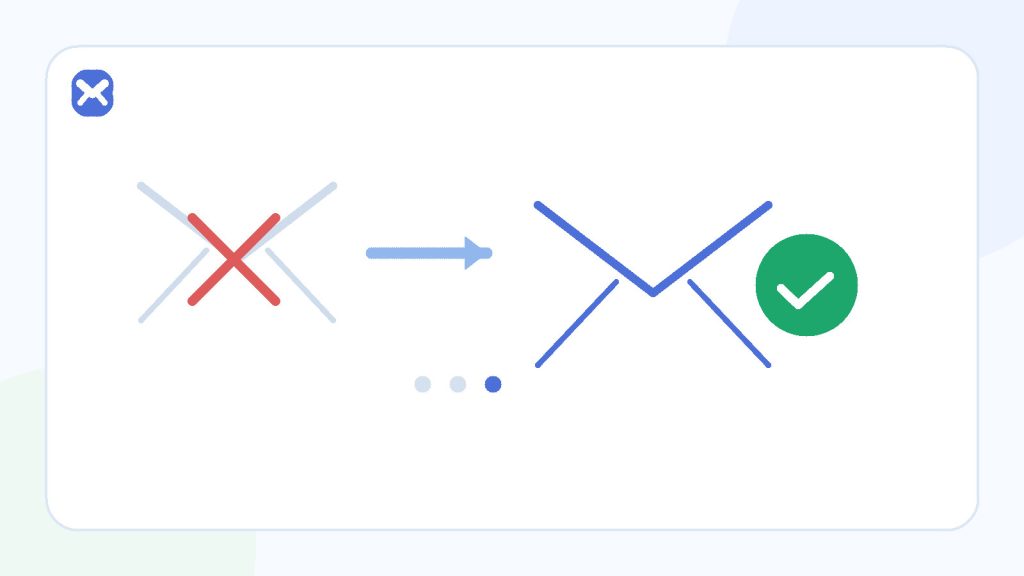
A resend can queue another message and may create a new code or link. The sender decides whether older tokens remain valid, and mail delays can make messages arrive out of order. Confirm the address, wait, resend once, then use the newest request for the current screen.
- New request, not instant delivery
- Messages can arrive out of order
- Rate limits protect the sender
Before resend
Confirm the original request existed
- The form showed success.
- The address matches.
- Enough time has passed for one retry.
After resend
Reduce ambiguity
- Use the newest message.
- Stay in the current browser state.
- Ignore older tokens unless documented otherwise.
Process
A clean resend sequence
One deliberate retry produces clearer results than a burst of requests.
Verify the destination
Compare the complete address with the inbox and correct the account before generating another token.
Wait for the original path
Delivery systems can retry temporary failures. Give the first message a reasonable chance instead of assuming the first delay is final.
Use the official resend control once
Do not refresh the form repeatedly or open multiple sessions. Record the new request time.
Identify the newest message
Compare timestamps and subject details. Use the token associated with the latest current request.
Stop if a limit appears
A rate-limit or risk message is a control, not an invitation to change addresses and continue. Wait or use official support.
Decision guide
What resend may change
| Component | Possible change | User consequence |
|---|---|---|
| Message queue | Another message is enqueued. | Old and new messages may arrive together or out of order. |
| Token value | A new code or URL is generated. | The older message may no longer work. |
| Expiry window | A fresh window may begin. | Use the sender’s wording; there is no universal duration. |
| Account state | The current verification request becomes authoritative. | A code for an earlier address or action can fail. |
| Abuse controls | Rate counters increase. | Rapid requests may be delayed or blocked. |
Practical details
Why multiple messages become confusing
Mail order is not token order
Email delivery is asynchronous. A newer request can take a faster path and arrive before an older queued message, or an older message can surface after the new token is active. Sort by the sender’s timestamp and your request history, not just inbox position.
Invalidation policy is application-specific
Some systems accept only the newest token; others keep multiple unexpired tokens valid. Secure designs make the behavior consistent, limit replay, and bind the token to the intended action.
As a user, use the newest message. As an authorised tester, verify the documented policy rather than assuming one universal implementation.
Repeated requests can hide the real defect
Rapid resends make it harder to distinguish a delivery delay from an invalid token, wrong account, or session mismatch. They can also trigger throttling that becomes a second problem.
Checklist
Resend only when these are true
- The original form submission was accepted.
- The address on the account matches the inbox.
- You waited without changing the account state.
- No explicit temporary-domain rejection appeared.
- You will request only one fresh message.
- You will use the newest token for the current action.
If the account is important, use a permanent mailbox and the sender’s official recovery path.
Related reading
Continue with the right next step
Read why the first verification email may be delayed and why a code becomes invalid. The delivery timing guide explains why the inbox cannot promise an exact arrival time.
Sources
Authoritative references
These references support the technical and privacy details above. Product-specific limits are described separately in our own guides.
FAQ
Frequently asked questions
Will resend always cancel the first code?
No universal rule exists. The application defines the policy, but the newest token is the safest practical choice.
Why did the older message arrive after the new one?
Different queue and retry timing can cause email to arrive out of request order.
How many times should I resend?
After confirming the address and waiting, request one resend. Stop if rate limits or policy errors appear.
Can Temp Mail 24 speed up a resend?
No. The sender controls message creation, queueing, retries, token state, and expiry.